Found a case you love, but not sure which model to choose? Start with the full device name, not the colour of the phone or the size of its screen. A small difference in the name can mean a different case version.
This checklist takes you from your iPhone settings to the final order review. For a broader comparison of materials, storage and charging features, use our iPhone case fit and buying guide.
1. Find the model name on the phone itself
On your iPhone, open Settings → General → About and read Model Name. Copy the complete name, including Pro, Pro Max, Plus, mini or another suffix when shown. Do not use the editable device name at the top of the screen as a substitute.
For example, “iPhone 15”, “iPhone 15 Pro” and “iPhone 15 Pro Max” are different model names. A case listing that mentions the same generation number is not enough by itself: match the whole name.
Apple explains the information shown on this screen in its guide to finding information about your iPhone.
2. Use the model number when the name is unclear
The About screen also includes a Model Number row. Apple notes that the part number appears there first; tapping it reveals the model number. Use Apple’s model-number instructions when you need that additional check.
For a gift, ask the recipient for the exact model name rather than guessing from an old photograph. A cropped screenshot of the Model Name line is enough for a basic fit enquiry. Do not share the phone’s serial number, IMEI or account details in a public comment.
3. Match the model and colour separately
Open the individual product listing and look for the device-model selector as well as the colour choice. Choosing “Pink” or “Black” does not identify your iPhone. Likewise, arriving through a model-specific collection does not replace checking the product option you actually order.
Before adding the item, confirm the complete model name is available for that design. If it is missing, disabled or unclear, do not choose a similar-sounding alternative. Ask through our contact page with the product link and your model name.

4. Use photographs to understand the case, not to guess its model
Look at the camera opening, side controls and charging-port area where the gallery shows them. These details help you understand the design, but a shared product gallery may illustrate only one device version. Do not assume the photographed phone proves compatibility with your own.
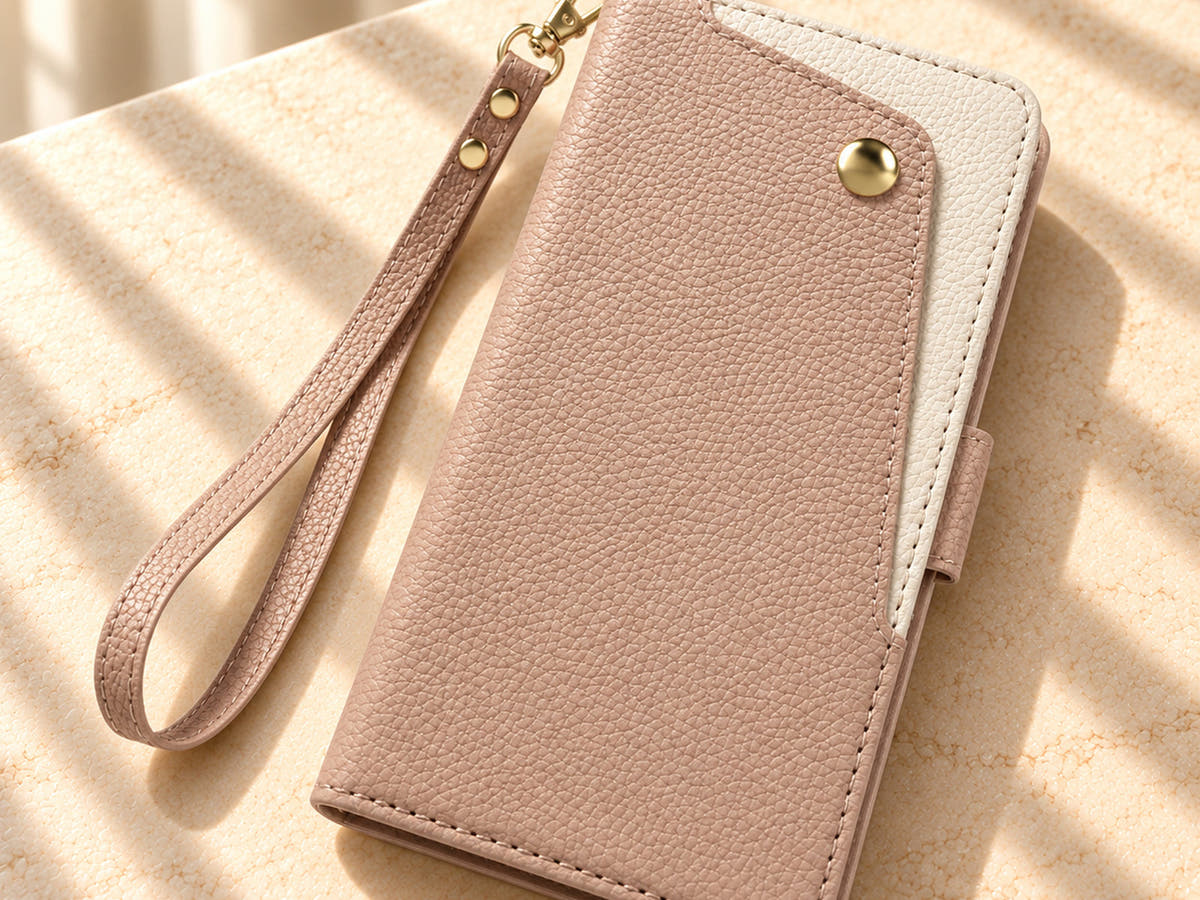
Consider two wallet examples. PetalLuxe has a cream interior with three card slots and a notes pocket. Valencia Luxe has three card slots, a clear ID window and a separate curved front zip pocket. Those differences help you choose a storage layout; they do not establish whether a particular model version fits your phone.

5. Check fit and charging compatibility as separate questions
A case fitting your iPhone does not automatically mean it supports every magnetic wallet, mount or wireless charger. Look for an explicit compatibility statement for the exact case and accessory. Do not infer MagSafe support from a decorative ring, metallic finish or the phone’s own capabilities.
For a folio or wallet design, also consider where cards and the cover sit during charging. Follow the case and charger instructions rather than assuming all wallet cases behave alike. Our wallet-case buying checklist helps compare the everyday storage and carrying features.
6. Review the selected details before paying
Check the order summary for the product, colour, quantity and device model. If the model is not displayed clearly, resolve that before completing payment. Keep the order confirmation so you can compare it with the item received.
- Device: the full model name matches the phone.
- Design: the colour and wallet or back-cover style are correct.
- Features: any strap, stand or charging requirement is supported by the listing.
- Delivery: review the destination-specific checkout total and delivery information.
Common fit questions
Is the same screen size enough to choose a case?
No. Use the exact model listed for the case rather than screen size alone. Camera openings, body shape and controls also matter.
Can a case from an older iPhone be reused?
Only rely on an explicit compatibility statement covering both models. Do not force the phone into a case that does not seat properly.
What should I do when my model is not an option?
Choose another design that explicitly supports it, or ask the store before ordering. Selecting the closest name is not a reliable workaround.
Once the model is confirmed, explore Oskar Hill iPhone cases or compare wallet and card-holder designs around how you actually carry your phone.